
Header Sizes
Header 1
Header 2
Header 3
Header 4
Header 5
Header 6
Paragraph thickness
This is some text at 100 – Thin
This is some text at 200 – Extra Light
This is some text at 300 – Light
This is some text at 400 – Regular
This is some text at 500 – Medium
This is some text at 600 – Semi-bold
This is some text at 700 – Bold
This is some text at 800 – Extra Bold
This is some text at 900 – Ultra Bold
Header thickness
Header at 100
Header at 200
Header at 300
Header at 400
Header at 500
Header at 600
Header at 700
Header at 800
Header at 900
Paragraph & Blockquote
This is a blockquote. Edit or remove this text inline or in the module Content settings. You can also style every aspect of this content in the module Design settings and even apply custom CSS to this text in the module Advanced settings.
The HTML
<blockquote>Element (or HTML Block Quotation Element) indicates that the enclosed text is an extended quotation. Usually, this is rendered visually by indentation (see Notes for how to change it). A URL for the source of the quotation may be given using the cite attribute, while a text representation of the source can be given using the<cite>element.
Tables
Definition List
- Definition List Title
- Definition list division.
- Startup
- A startup company or startup is a company or temporary organization designed to search for a repeatable and scalable business model.
- #dowork
- Coined by Rob Dyrdek and his personal body guard Christopher « Big Black » Boykins, « Do Work » works as a self motivator, to motivating your friends.
- Do It Live
- I’ll let Bill O’Reilly will explain this one.
Unordered List
- List item one
- List item one
- List item one
- List item two
- List item three
- List item four
- List item two
- List item three
- List item four
- List item one
- List item two
- List item three
- List item four
Ordered List
- List item one
- List item one
- List item one -reversed attribute
- List item two
- List item three
- List item four
- List item two
- List item three
- List item four
- List item one
- List item two
- List item three
- List item four
Various HTML tags
Abbreviation
The abbreviation srsly stands for « seriously ».
Cite
« Code is poetry. » —Automattic
Delete
This tag will let you strike out text, but this tag is recommended supported in HTML5 (use the <s> instead).
Insert
This tag should denote inserted text. using the ins tag.
Pre
0 space
 1 space
  2 spaces
   3 spaces
    4 spaces
          (\_/)
         (='.'=)
         (")_(")
Emphasize
The emphasize tag should (em)italicize (i)text.
Strong
The strong tag should make the text (strong)bolder (b)than normal.
Keyboard
This scarcely known tag emulates (kbd)keyboard text, which is usually styled like the <code> tag.
Quote
Used for inline quotes. (q)Developers, developers, developers…
—Steve Ballmer
Small
This tag shows (small)smaller text.
S (strike)
This tag shows (class)strike-through (s)text. The text-decoration: line-through is deprecated in HTML 5.
Code
This tag styles blocks of code..post-title {
margin: 0 0 5px;
font-weight: bold;
font-size: 38px;
line-height: 1.2;
and here's a line of some really, really, really, really long text, just to see how it is handled and to find out how it overflows;
}
You will learn later on in these tests that word-wrap: break-word; will be your best friend.
Subscript
Getting our science styling on with H2O, which should push the « 2 » down.
Superscript
Still sticking with science and Albert Einstein’s E = MC2, which should lift the 2 up.
Accordeon
Your Title Goes Here
Your content goes here. Edit or remove this text inline or in the module Content settings. You can also style every aspect of this content in the module Design settings and even apply custom CSS to this text in the module Advanced settings.
Your Title Goes Here
Your content goes here. Edit or remove this text inline or in the module Content settings. You can also style every aspect of this content in the module Design settings and even apply custom CSS to this text in the module Advanced settings.
Your Title Goes Here
Your content goes here. Edit or remove this text inline or in the module Content settings. You can also style every aspect of this content in the module Design settings and even apply custom CSS to this text in the module Advanced settings.
Toggle
Your Title Goes Here
Your content goes here. Edit or remove this text inline or in the module Content settings. You can also style every aspect of this content in the module Design settings and even apply custom CSS to this text in the module Advanced settings.
Bar counter
- Your Title Goes Here 35%
- Your Title Goes Here 82%
- Your Title Goes Here 61%
Button
Circle counter
%
Your Title Goes Here
Number counter
%
Your Title Goes Here
Social media
Call to action
This is a call to action
Your content goes here. Edit or remove this text inline or in the module Content settings. You can also style every aspect of this content in the module Design settings and even apply custom CSS to this text in the module Advanced settings.
Blurb
This is a blurb
Your content goes here. Edit or remove this text inline or in the module Content settings. You can also style every aspect of this content in the module Design settings and even apply custom CSS to this text in the module Advanced settings.
Person

Neail deGrass Tyson
Astrophysicist
Your content goes here. Edit or remove this text inline or in the module Content settings. You can also style every aspect of this content in the module Design settings and even apply custom CSS to this text in the module Advanced settings.
Testimonial
Your content goes here. Edit or remove this text inline or in the module Content settings. You can also style every aspect of this content in the module Design settings and even apply custom CSS to this text in the module Advanced settings.
Email optin
Login
Contact Form
Contact form title
Gallery
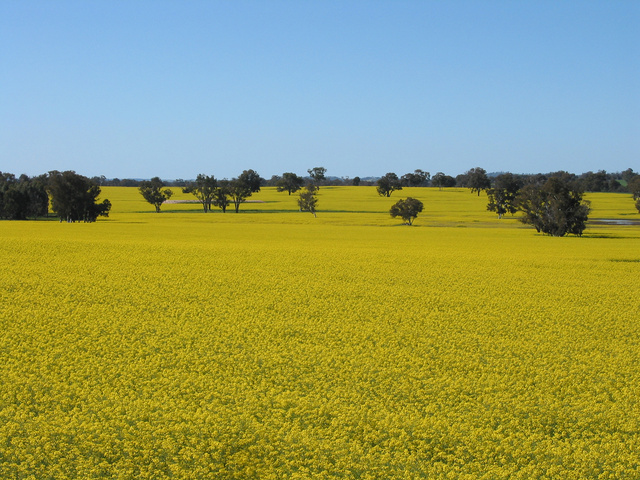
canola2
Lorem ipsum dolor sit amet, consectetuer adipiscing elit. Donec mollis. Quisque convallis libero in sapien pharetra tincidunt. Aliquam elit ante, malesuada id, tempor eu, gravida id, odio. Maecenas suscipit, risus et eleifend imperdiet, nisi orci ullamcorper massa, et adipiscing orci velit quis magna.
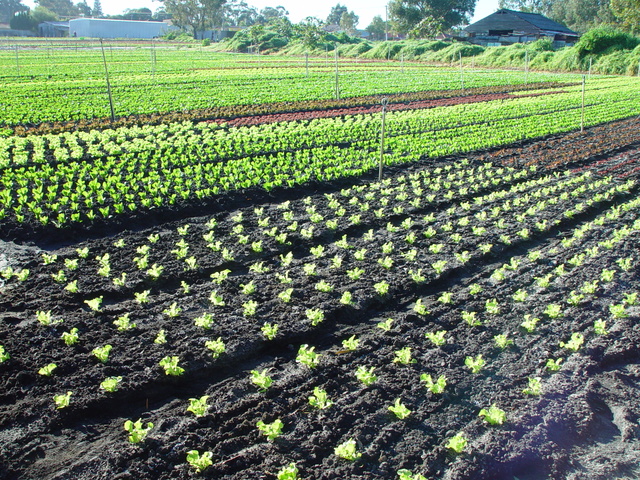
dsc20050727_091048_222
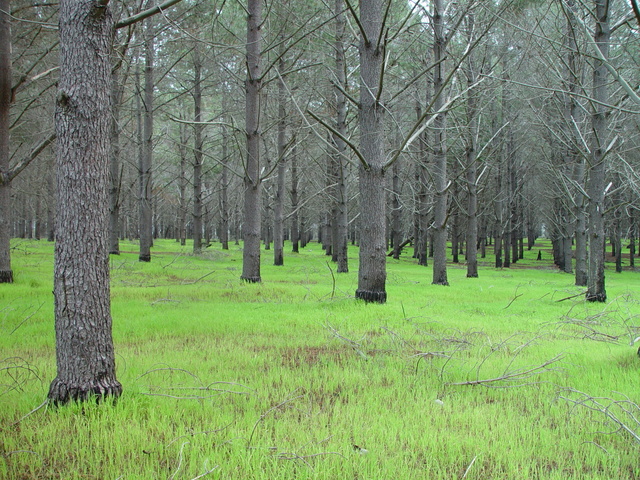
dsc20050813_115856_52
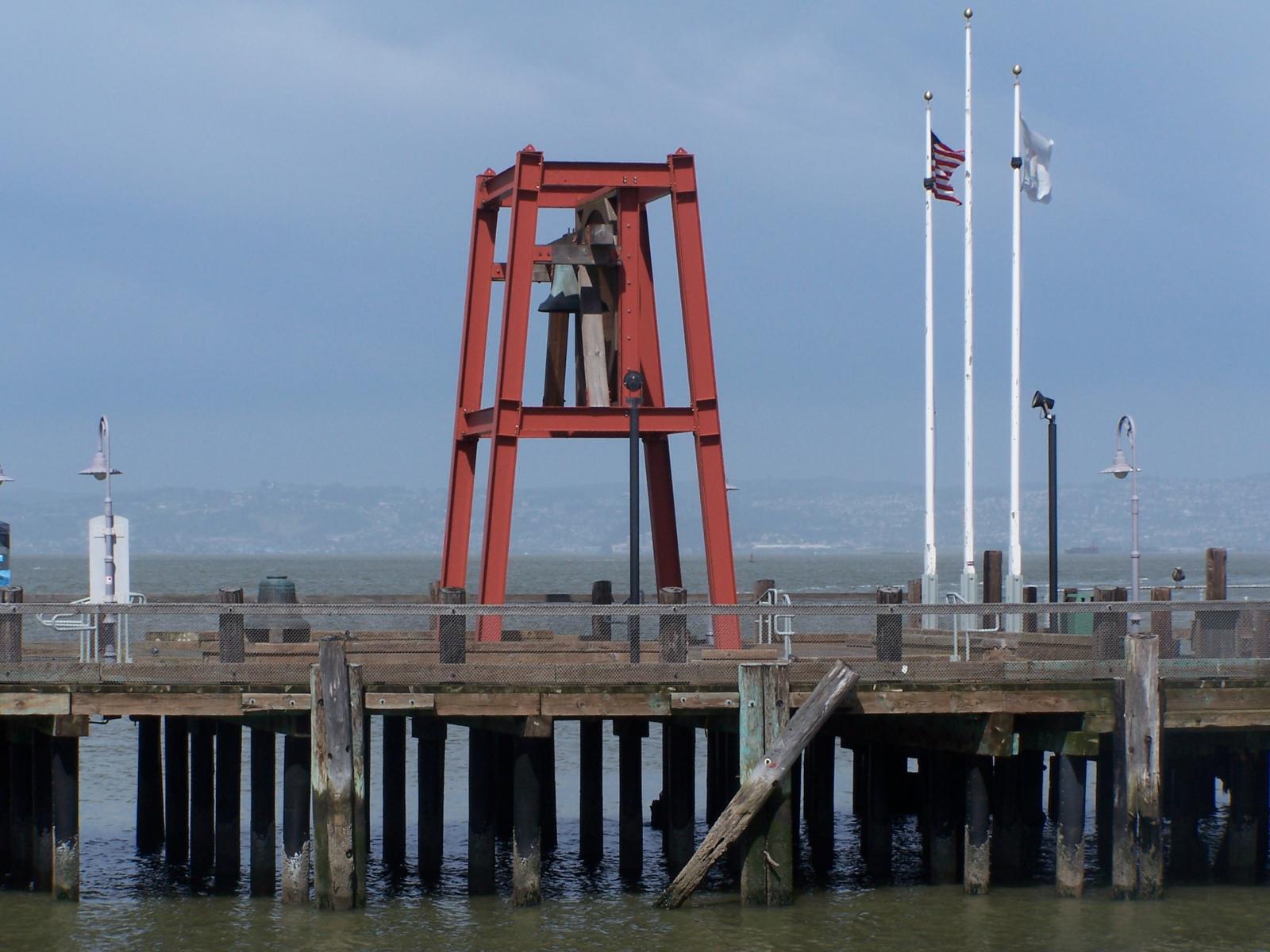
Bell on Wharf
Bell on wharf in San Francisco
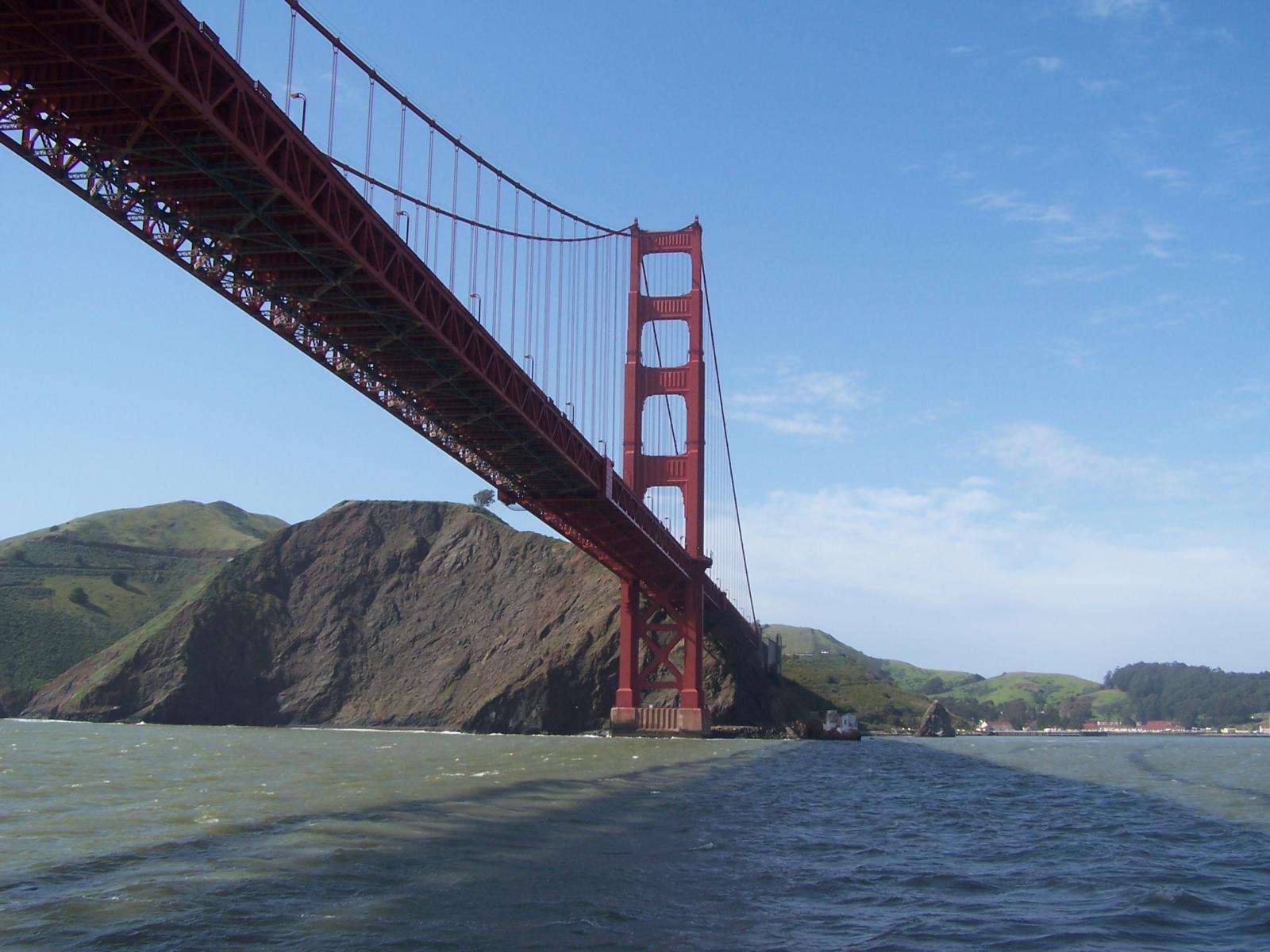
Golden Gate Bridge
Golden Gate Bridge